[Manggo Recording] Call Recording to Text: How to Read and Search
2026-10-26 · 조회 58 · 댓글 0
Title: Call Recording to Text: How to Read and Search
Call Recording to Text — Call Recording to Text: How to Read and Search · Manggo Recording
Recordings keep piling up, and it can be hard to find and replay the call you actually need. That is why call recording to text helps. When a call ends, AI turns the recording into text.
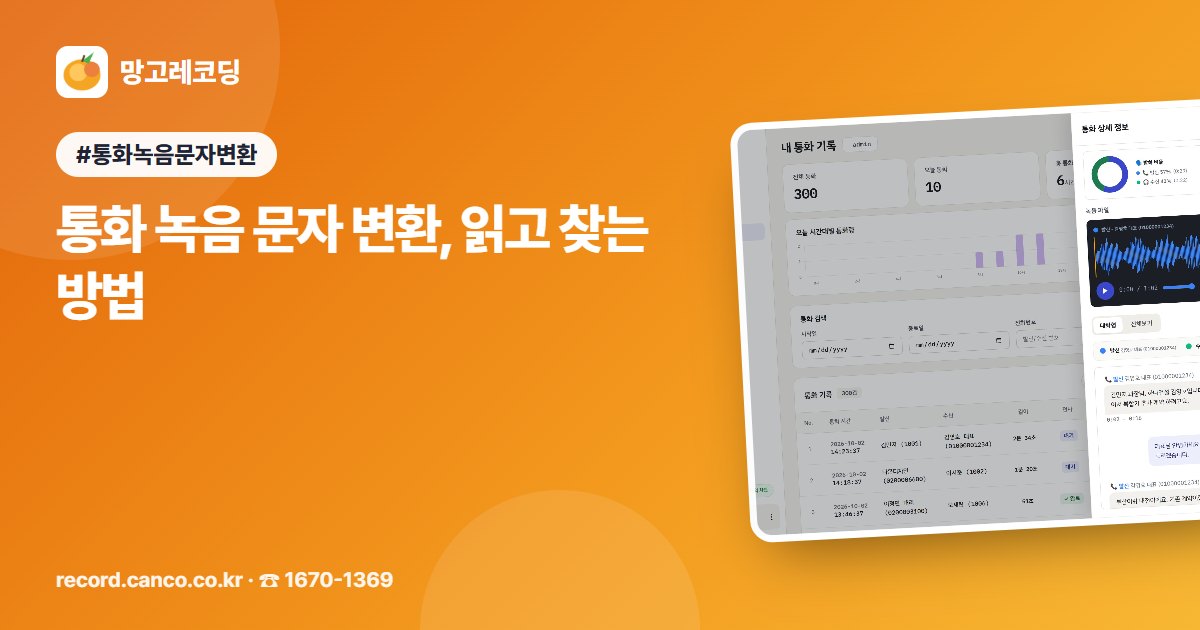
💬 How a call becomes text The steps are simple. The call is recorded, AI transcribes it, and a summary and to-dos are organized. Then all you have to do is search. The text shows outgoing and incoming speech separately. It looks like chat bubbles, so you can see at a glance who said what. There is also a view that reads as continuous paragraphs.
🔎 Why is text more convenient? A recording is for listening, while text is for reading and searching. Even a call that lasts several minutes can be checked first in just a few lines. Find past calls by words spoken in them, such as "quote" or "refund." Even if you don't remember the date, you can search by what was said. Tap a sentence you want to check, and the recording plays from that exact point. You won't need to listen from start to finish again.
📋 Summaries and to-dos, organized for you When a call ends, the key points are summarized briefly. When you're busy, just look at the summary first. To-dos mentioned in calls are collected separately. For promises like "I'll contact you by Friday," you get a reminder before the deadline. Calls containing warning keywords, such as verbal abuse, are flagged. For complaint calls, you can print or save as a PDF a report that includes the date and time, transcript, and warning keywords.
☎ When it helps most When accounts of a conversation differ, search by a keyword and tap the sentence to listen again. Checking exactly what was said settles the matter. During a handover, just review the summaries and to-dos of past calls. It makes it easy to pick up where the previous conversation left off. There is also a call map that groups calls by topic based on what customers said. Once you know which questions come up often, you can answer them all at once with a notice or guide.
✅ What to check when choosing Check whether you have to upload files separately. Calls recorded with CANCO call recording are transcribed automatically. Also check whether you can listen to the original audio while reading the text. AI transcription can be inaccurate depending on sound quality or speech, so for important details, it is best to tap the sentence and confirm with the original recording.
CANCO's Manggo Recording is a call recording service that turns call recordings into text, making them easy to read and search. Schools can use it as EduRecording. You can first see the actual screen in a short video of about thirty seconds, and also get a demo by phone consultation. Call 1670-1369. ▶ Learn more: https://record.canco.co.kr/call_transcription.php
In one line: Keep the recording as it is, then read and search the text to quickly find the call you need.


Comments 0
Be the first to leave a comment.