
Automatically records parent calls and keeps every medication and attendance request. When a call comes in, it shows right away which child and class the parent belongs to.
"But the director clearly told me that!"Without a recording, you cannot respond when someone changes their story.
"My child got hurt and you didn't handle it properly!"It is hard to prove how the incident was explained.
"I clearly told you not to give the medicine!"Requests received by phone go unrecorded and turn into new complaints.
"That's not at all what the teacher told me!"There is no way to prove what was said in a phone consultation.
When the phone rings, the child's name and class appear instantly, so you know who is calling before you answer.
Search by date, child's name or keyword to instantly find calls about, say, "Sunshine Class medication."
Detects expressions such as profanity, threats or lawsuits and alerts you immediately to protect staff.
Organizes daily and monthly call volumes and complaint types to automatically produce office of education reports.
Reports with call content, summaries and emotion words are saved automatically by date.
Stored encrypted on Google Cloud, with every view and download logged.
Teachers see only their own calls; sensitive calls are viewable only by the director.
A pre-connection notice — "This call will be recorded" — is also set up to inform callers that calls are recorded.
EduRecording equipment and recording system screens installed in a school telecom room.
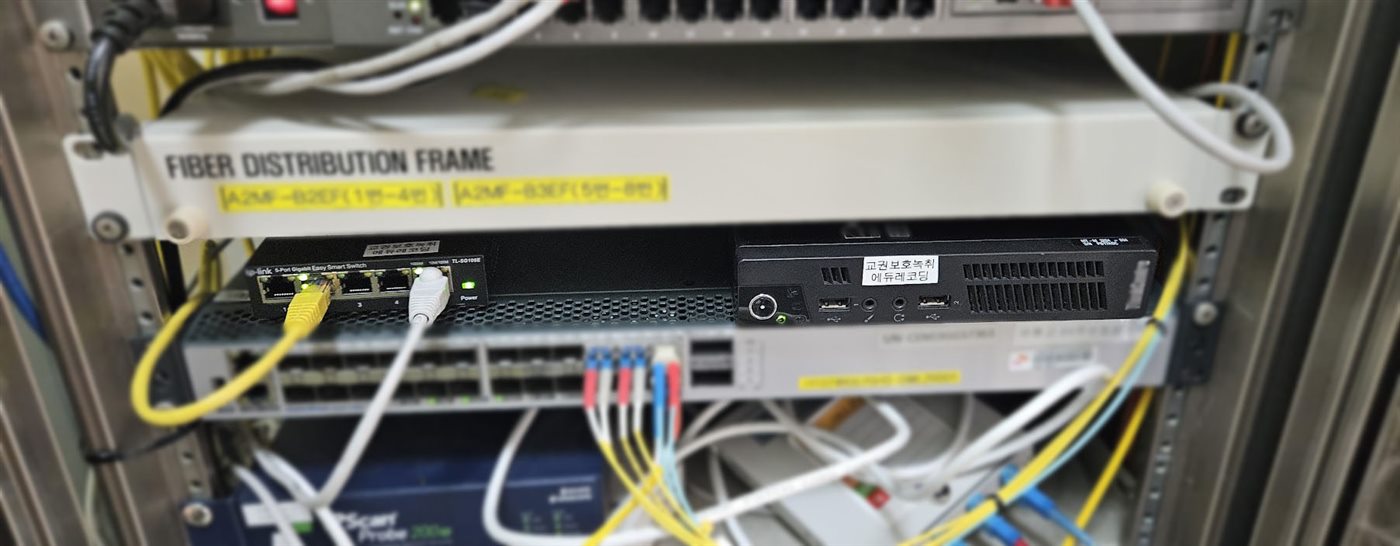
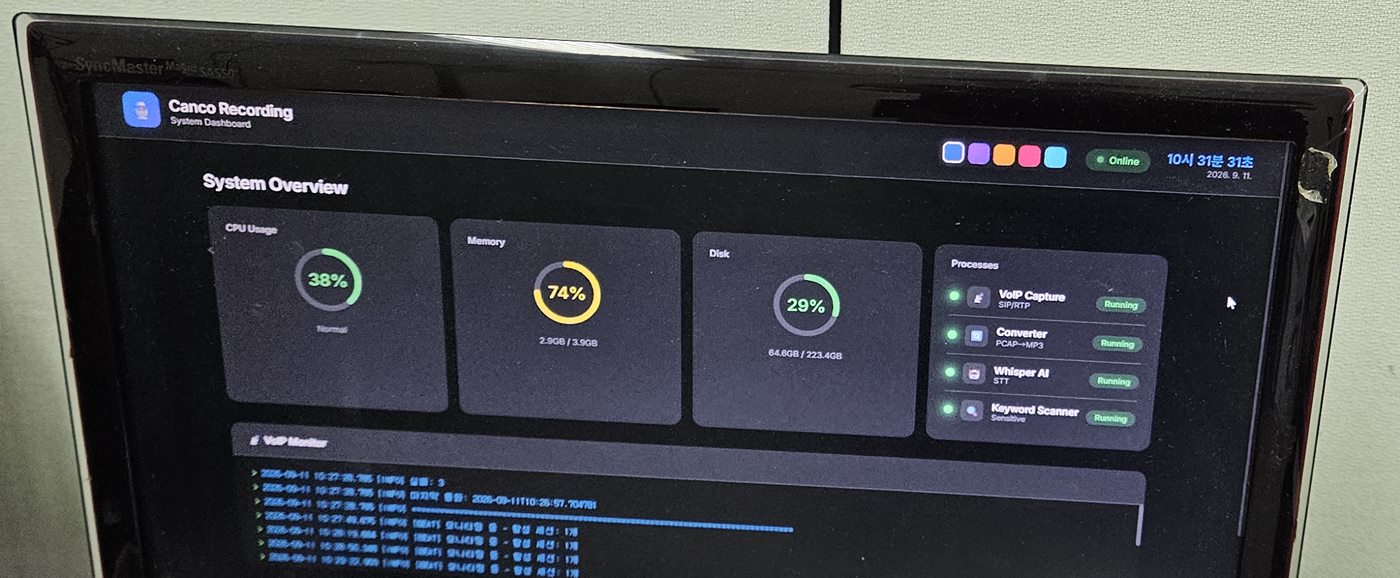
Our in-house stereo recording engine, Dual-Channel Surround Synthesis™, records clearly while AI handles summaries and emotion-word detection. (Patent application 10-2025-0088456)
Learn more about EduRecordingJust tell us the size of your center and number of phones, and we will provide a custom quote. Main number 1670-1369
Request a free demo