[Manggo Recording] VoIP (Internet Phone) Call Recording: How to Start with Your 070 Number
2026-10-26 · 조회 64 · 댓글 0
Title: VoIP Call Recording — How to Start with Your 070 Numbers as They Are
VoIP Call Recording — VoIP Call Recording: How to Start with Your 070 Numbers as They Are · Manggo Recording
If your office phones start with 070, you have probably looked into VoIP call recording at least once. A call disappears when it ends, but the need to check it comes up days later.
Yet once you start looking, you worry about having to replace every phone. Fortunately, you don't. It simply adds recording to the phones you already use.
🔍 What Is 070 Call Recording?
With VoIP (internet phone), calls travel back and forth over the network. So just by receiving a copy of that signal, you can record the call exactly as it happened.
This method is called switch mirroring. It does not interfere with the call path. It simply receives a copy from the side. Calls continue as usual.
📞 Why Do You Need It?
Order quantities and promised dates sometimes get mixed up. Notes are easy to miss during busy hours, and they don't carry over when the person in charge changes.
If the call is saved, you can check it on the spot. There is a record of who said what.
🛠 The Steps
First, a free consultation checks your current phones and exchange. VoIP and IP PBX systems are recorded just as they are.
Next is installation. A recording PC is placed inside your company, and together we find the right spot on the network switch for mirroring. Your phones and your 070 numbers stay the same.
Once installed, there is no button to press. Calls to your main number, direct lines, and extensions are recorded automatically.
🎧 What Happens After Recording Matters More
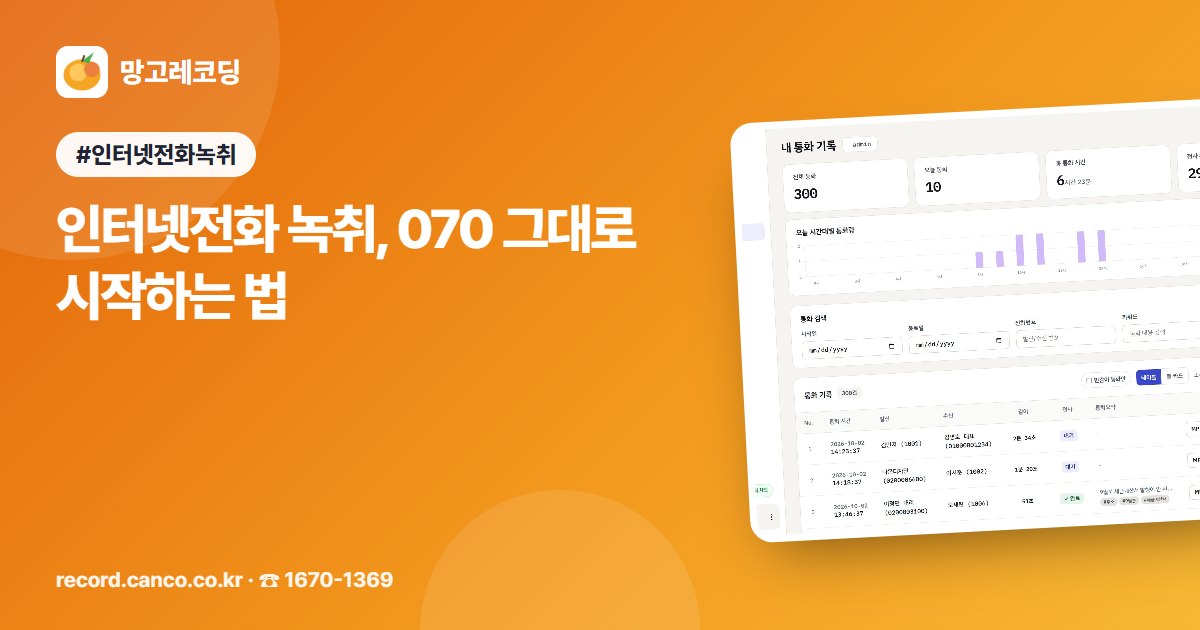
When calls just pile up, they are hard to listen to again. That is why AI transcribes calls into text like a conversation. A summary and to-dos are organized as well.
Click a sentence in the text and playback starts from that point. You can also find past calls right away by date, phone number, or call content.
Promises like 'I'll get back to you tomorrow' are tracked separately. Missed calls are gathered and assigned to the person in charge, and you are notified if no one calls back. When a call comes in, it can even show who is calling and their previous calls first.
✅ What to Look For
First, check whether you can keep your phones and numbers. Second, check whether the mirroring spot is confirmed together with you at installation.
Third, be sure to ask where the recordings are stored. Fourth, we recommend also preparing a notice message that tells customers in advance that calls are recorded.
Manggo Recording is a service that lets you start this kind of VoIP call recording with the phones you already use. Original recordings, AI transcripts, and call records are stored on the recording PC inside your company. A log shows who listened to and downloaded them, so you can manage customer calls with peace of mind. For any questions, call 1670-1369 for a free consultation, and we will show you the actual screen.


Comments 0
Be the first to leave a comment.