[Manggo Recording] Call Recording: How to Keep Your Office Calls
2026-11-05 · 조회 70 · 댓글 0
Title: Call Recording: How to Keep Your Office Calls
Call Recording — Call Recording: How to Keep Your Office Calls · Manggo Recording
Office phones are answered by many people and transferred along. That's why many people aren't sure how to get started with call recording. Today, we'll explain in simple terms how to keep a record of your office calls.
☎ Why Office Phones Are Tricky
In an office, calls to the main number are shared among many desks. They get transferred to extensions, or picked up from the next desk. That makes it hard to tell at which desk a single call ended.
You need to keep the audio, but if each desk saves it separately, it gets scattered. When you search later, you can't tell whose recording is whose. It's best to have office calls gathered in one place from the start.
🔎 Why Keep Them?
Company calls carry promises such as orders, quotes, and delivery dates. Once a call ends, it lives only in memory, and when the person in charge is away, no one knows what was said earlier. If calls are kept as audio and text, anyone can read them and pick up where things left off.
It also helps a lot when accounts differ. Listening again together to "what was said then" reduces disputes. When abusive language or harsh complaints come in, the record protects your staff.
🛠 Comparing Three Methods
First is a mobile recording app. Calls on your own phone are saved, but main number and extension calls are not. The files also stay only on that person's phone, so other staff can't see them.
Second is a carrier add-on service. You have to apply for each number separately, and how you listen differs by service. Third is a company call recording system, which automatically gathers main, direct, and extension calls in one place.
🔀 How Call Recording Works
A company call recording system only receives a copy of the call signal from the network switch the calls pass through. That signal is saved to a recording PC inside the office. It doesn't step into the call path, so calls continue as usual.
So you don't need to change your phones, numbers, or PBX. You can keep using VoIP (internet phone, 070) and still record. Calls picked up from another desk are also found under the original number.
📝 What to Look For
First, look at where the recordings are stored. With on-premises, both the original audio and the transcripts stay on the recording PC inside your company, so you decide the retention period and deletion. Be sure to also check whether an access log shows who listened to and downloaded what, and when.
Next is 'what comes after recording.' If files just pile up, they're hard to replay, so check whether calls are transcribed and summarized. Also see whether you can search by words from the calls, and whether it keeps track of promises and missed calls.
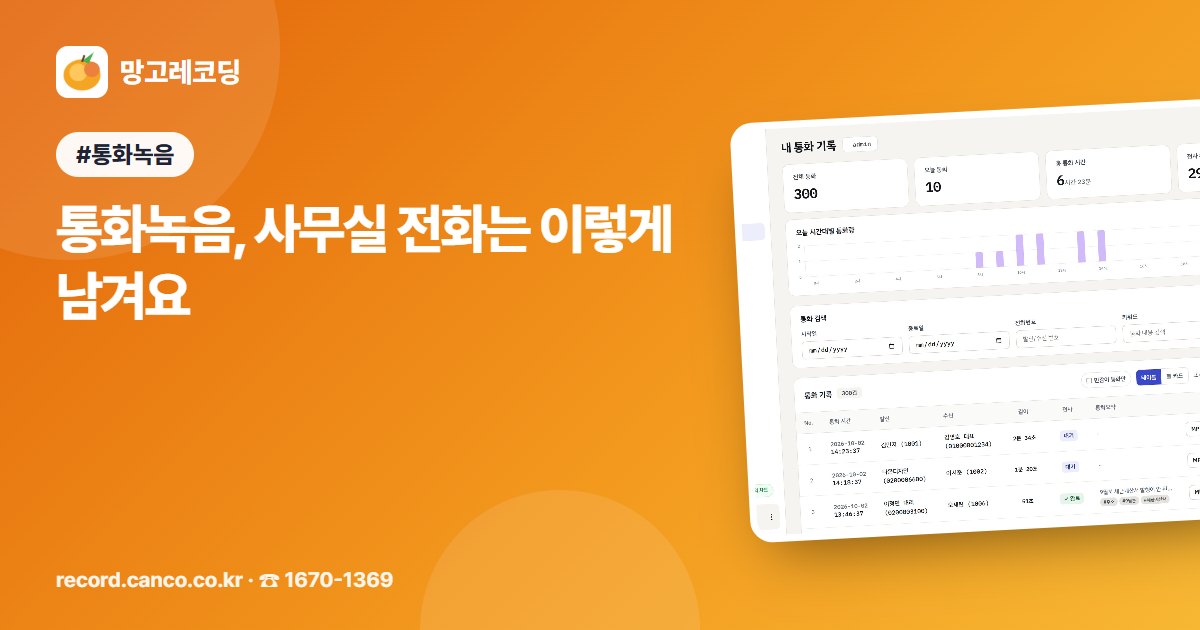
Manggo Recording is a call recording service for companies, institutions, and hospitals. Keep your current phones and numbers, and main, direct, and extension calls are recorded automatically, while AI transcribes each call and organizes a summary and to-dos. You can also use a promise tracker, missed-call alerts, and Call Popup, which shows you who is calling first.
In a nutshell: keep your phones, gather the audio in one place, and search it as text. That's where office call records begin.
❓ FAQ
Q. Do we need to buy new phones? A. No. You keep using your current phones and numbers. Just place a recording PC and connect switch mirroring.
Q. Do we need to tell callers in advance that we're recording? A. For calls to your company's main number, it's best to let callers know at the start of the call. A short notice such as "This call is recorded for accurate service" is enough.
Q. Can I also read the call content as text? A. Yes. AI transcribes the call like a conversation. Click a sentence to replay from that point.

Comments 0
Be the first to leave a comment.