When a caller hurls abuse at you on the teachers' office phone, your mind can go blank. That is why more schools are setting up abusive complaint call recording in advance. When an urgent situation actually hits, it's easy to lose track of what to do first. Let's go through it step by step.
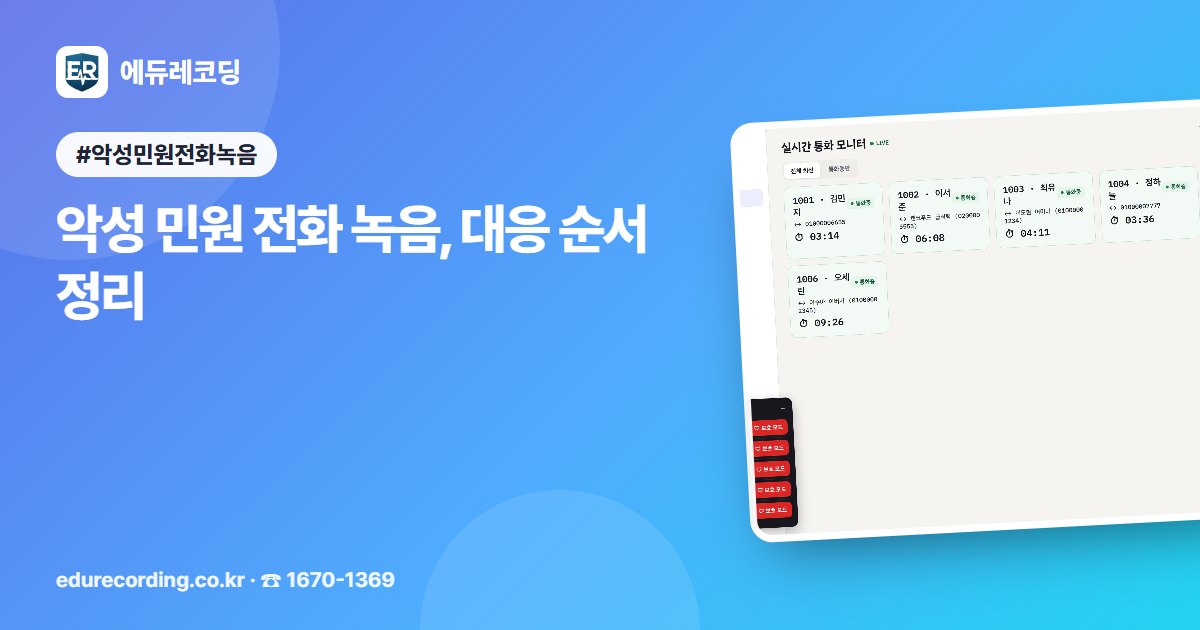
🛡 What to press first during the call When abuse begins, press the Shield button in the call window. An alert goes straight to the administrator. You don't have to handle it alone.
If the other party is on a mobile phone, a text message notifying them that the call is being recorded is sent. It is available once the text message service is activated. The recording notice also helps calm the caller's tone.
📄 Keep a record when the call ends When the call ends, an evidence report is ready. The call date and time, transcript, flagged words, and repeat history from the same number are all on a single page. You can print it or save it as a PDF.
Flagged words are found and marked after the call is transcribed. If there are words such as profanity or threats, the administrator is notified. Even if you miss taking notes during a busy moment, the record remains.
📁 Group multiple calls into one case Sometimes the same demand comes in many times, to many different people. In the Complaint Case Box, calls and notes are grouped into one case, with status, owner, deadline, and handling record kept together.
Even when the person in charge changes, no one has to ask again from the start. You can check who promised what in earlier calls. For a promise like "we'll get back to you by Friday," Promise Keeper reminds you before the deadline.
🔎 What to check when choosing Check who can view the recording files. Regular staff see only their own calls, while administrators see all calls. Who listened to and downloaded each recording is also kept on record.
Also see whether you can enter a search word and listen from the exact point where it appears. You don't need to listen to a whole call from the beginning, so fact-checking is faster. It also helps to consider whether on-premises or cloud is the better fit.
EduRecording is a call recording service for protecting teachers' rights that records every school call and uses AI transcription. It supports complaint handling with the shield, evidence reports, the Complaint Case Box, and Promise Keeper. You can also download a notice poster to put up in the teachers' office, and see the actual screens through phone consultations and on-site consulting visits.


Comments 0
Be the first to leave a comment.